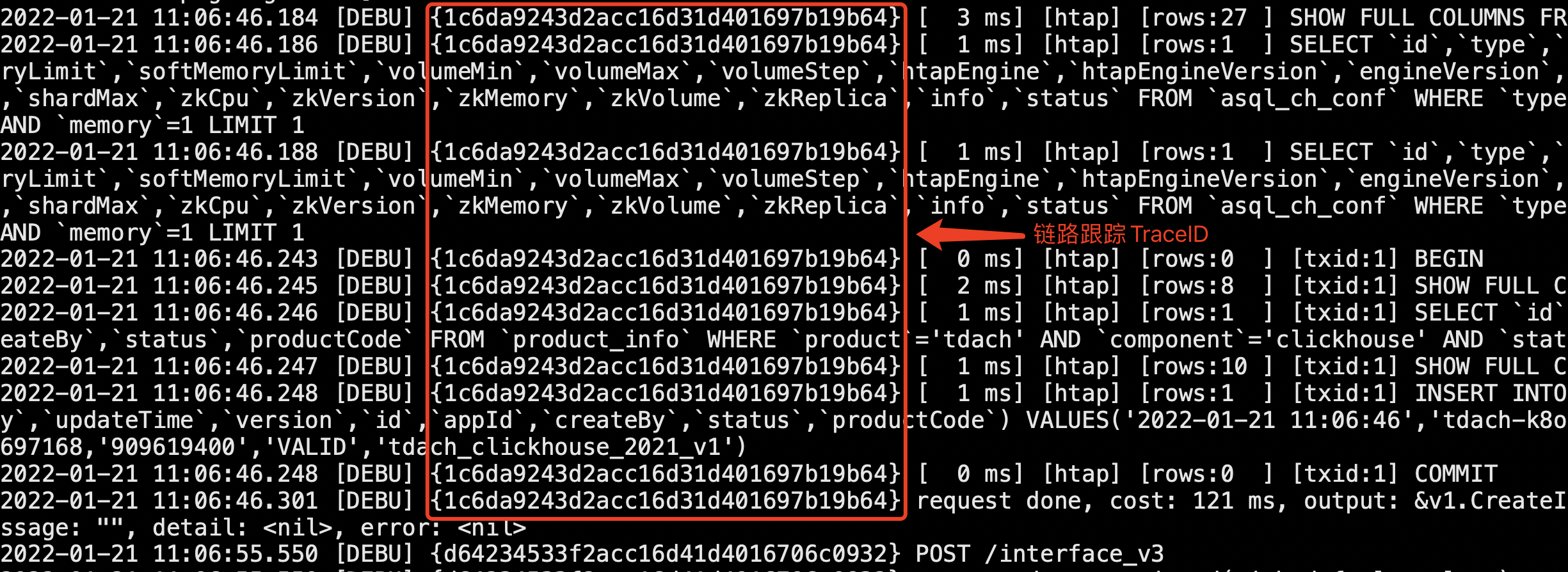
Starting from version v2, the glog component uses the ctx context variable as a necessary parameter for log printing.
Custom CtxKeys
The log component supports custom key-value printing by reading from the ctx context variable.
Configuration Usage
# Log component configuration
logger:
  Level:   "all"
  Stdout:  true
  CtxKeys: ["RequestId", "UserId"]
Here, CtxKeys is used to configure the key names that need to be read and output from the context.Context interface object.
Log Output
With the above configuration, when outputting logs, specify the output context.Context interface object using the Ctx chained operation method. Please note not to use a custom type as the Key, otherwise, it cannot be output to the log file, for example:
package main

import (
    "context"

    "github.com/gogf/gf/v2/frame/g"
)

func main() {
    var ctx = context.Background()

    // You can directly use String as Key
    ctx = context.WithValue(ctx, "RequestId", "123456789")

    // To extract the Key as a public variable, you can use the gctx.StrKey type, or directly use string type
    const userIdKey gctx.StrKey = "UserId" // or const userIdKey = "UserId"
    ctx = context.WithValue(ctx, userIdKey, "10000")

    // Cannot use custom type
    type notPrintKeyType string
    const notPrintKey notPrintKeyType = "NotPrintKey"
    ctx = context.WithValue(ctx, notPrintKey, "notPrintValue") // Will not print notPrintValue

    g.Log().Error(ctx, "runtime error")
}
After execution, the terminal output will be:
2024-09-26 11:45:33.790 [ERRO] {123456789, 10000} runtime error
Stack:
1.  main.main
    /Users/teemo/GolandProjects/gogf/demo/main.go:24
Log Example

Delivery to Handler
If a developer customizes a Handler for the log object, each ctx context variable passed during log printing will be delivered to the Handler. For an introduction to log Handler, please refer to the section: Logging - Handler
Trace Support
The glog component supports the OpenTelemetry standard trace feature, which is built-in and requires no setup from the developer. For more information, please refer to the section: Service Tracing